Datasets
Datasets are collections of Documents assembled for batch testing. They answer the question: "How does my ruleset perform across a range of inputs?"
Rather than testing one document at a time, a dataset lets you run a ruleset against many documents in a single batch, producing results you can compare and analyze systematically.
What Datasets Are For
With a dataset, you can:
- Batch test -- Run a ruleset against many documents at once instead of one at a time
- Measure consistency -- Use variance testing to see how stable results are across repeated runs
- Organize test data -- Group documents by scenario, compliance area, or testing purpose
- Iterate systematically -- Modify DSAIL rules or questions, re-run against the same dataset, and compare results
How Datasets Work
The typical workflow for using datasets is:
- Create a dataset with a name and description
- Add documents from your project's document library
- Optionally generate synthetic records to expand coverage
- Run tests against the dataset using Runs
Gold and Silver Documents
Documents in a dataset are classified by quality tier:
- Gold documents
- Documents you created or uploaded yourself. Gold data is considered authoritative because a human has provided or reviewed the content.
- Silver documents
- Synthetic records generated by an LLM. Silver data is useful for expanding a dataset quickly, but should be reviewed for accuracy since it is machine-generated.
Working with Datasets
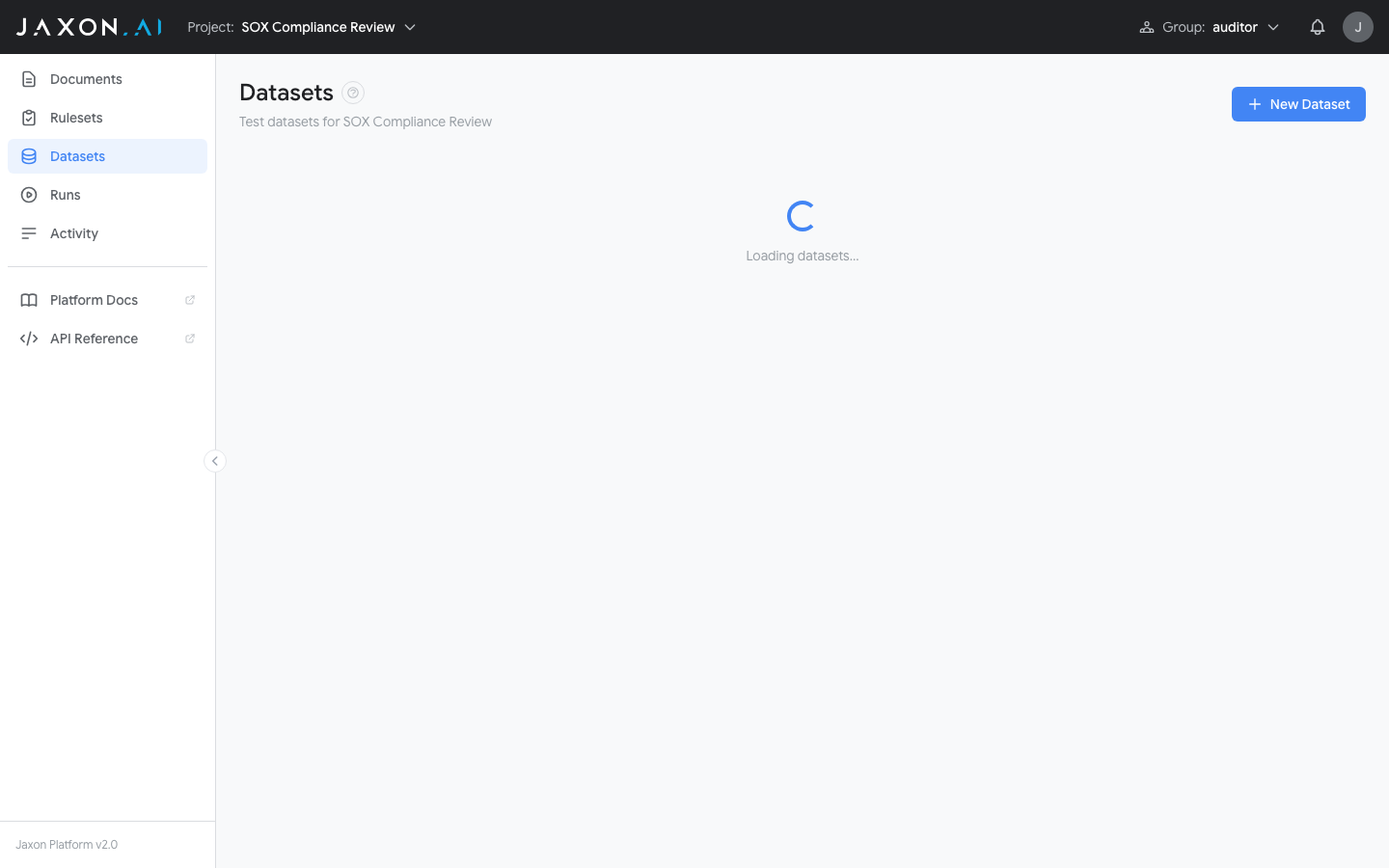
The Datasets page shows all datasets in your project.
Creating a Dataset
- Navigate to the Datasets page using the sidebar
- Click New Dataset
- Enter a name and optional description
Adding Documents
After creating a dataset, open it to view its contents. Documents are organized into Gold and Silver sections. Click Add Documents to select documents from your project's library. You can add the same document to multiple datasets.
Importing Documents
You can create documents in bulk by importing a CSV file. Each row in the CSV becomes a new document added to the dataset as gold data.
To import documents:
- Open an existing dataset by clicking on it
- Click Import CSV in the dataset detail modal
- Select a CSV file where each row represents a new document
- The platform creates a new document for each row and adds it to the dataset
This is useful when you have a large number of test cases prepared in a spreadsheet and want to load them all at once rather than creating each document individually.
Generating Synthetic Records
To expand a dataset without manually creating every document, use synthetic data generation. The dataset must already contain at least one gold or silver record to serve as a basis for generation.
- Click Generate Records from the dataset's menu
- Select the LLM model to use for generation
- Choose how many records to create (1, 10, or 100)
- Optionally check "Gold only" to generate from gold documents only
Generated records are tagged as silver data and should be reviewed for accuracy.
Related Concepts
- Rulesets define the rules that are tested against dataset documents
- Documents provide the content that appears in datasets
- Runs execute rulesets against datasets for batch testing
- DSAIL Language defines the assertions evaluated during test runs